Reel Tidy

A lightweight macOS importer for photographers. Plug in a card, point it at a folder, and it files the shoot by date. No catalogue, no database.

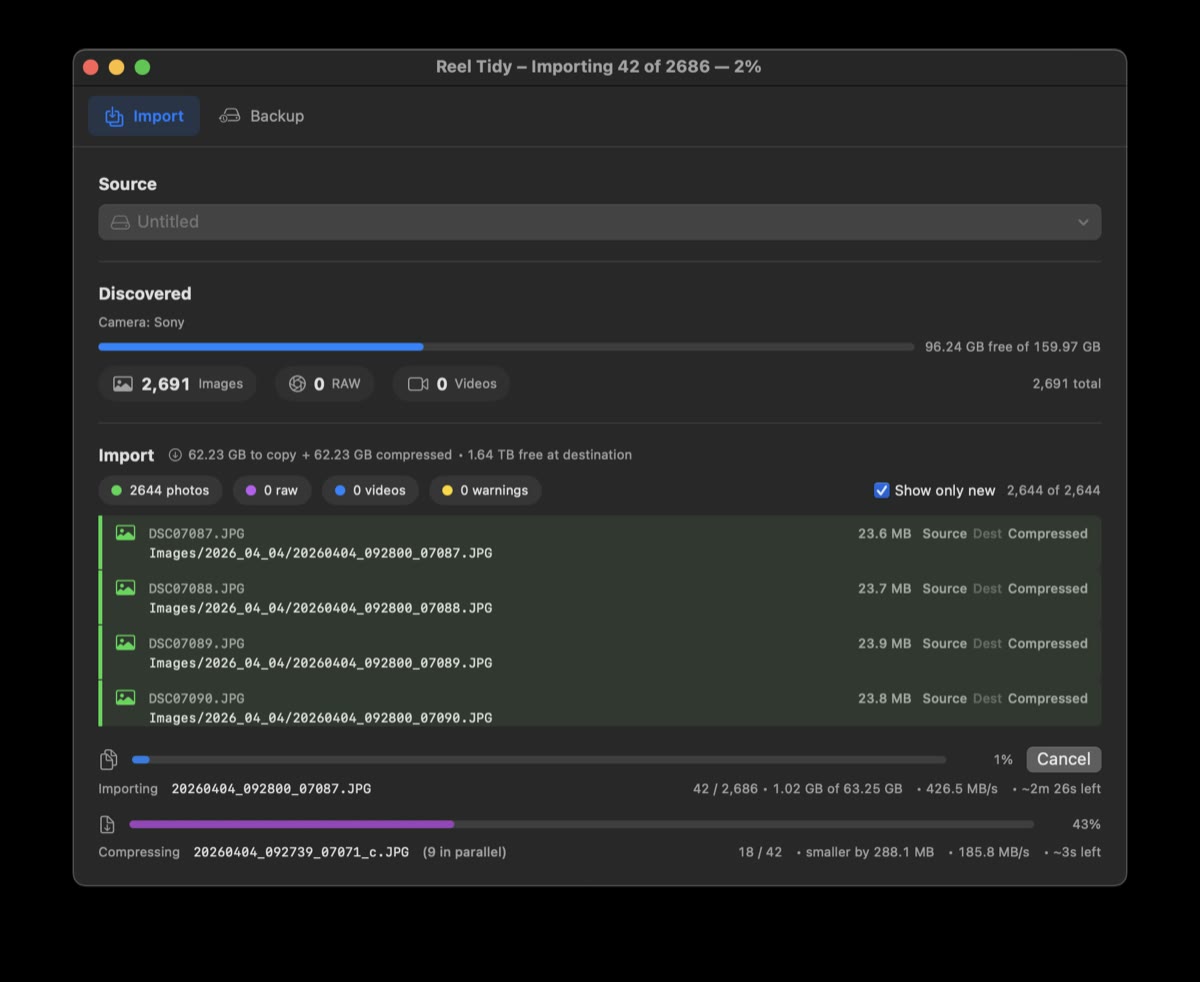
Shooting surf means sub-second intervals, and a good morning comes home as a few thousand frames off a single card. Every photo app I tried wanted to be the place my pictures lived — import them into a catalogue, manage them, hand them back on its terms. I just wanted the files on disk, in folders that still make sense in ten years without the app that made them.
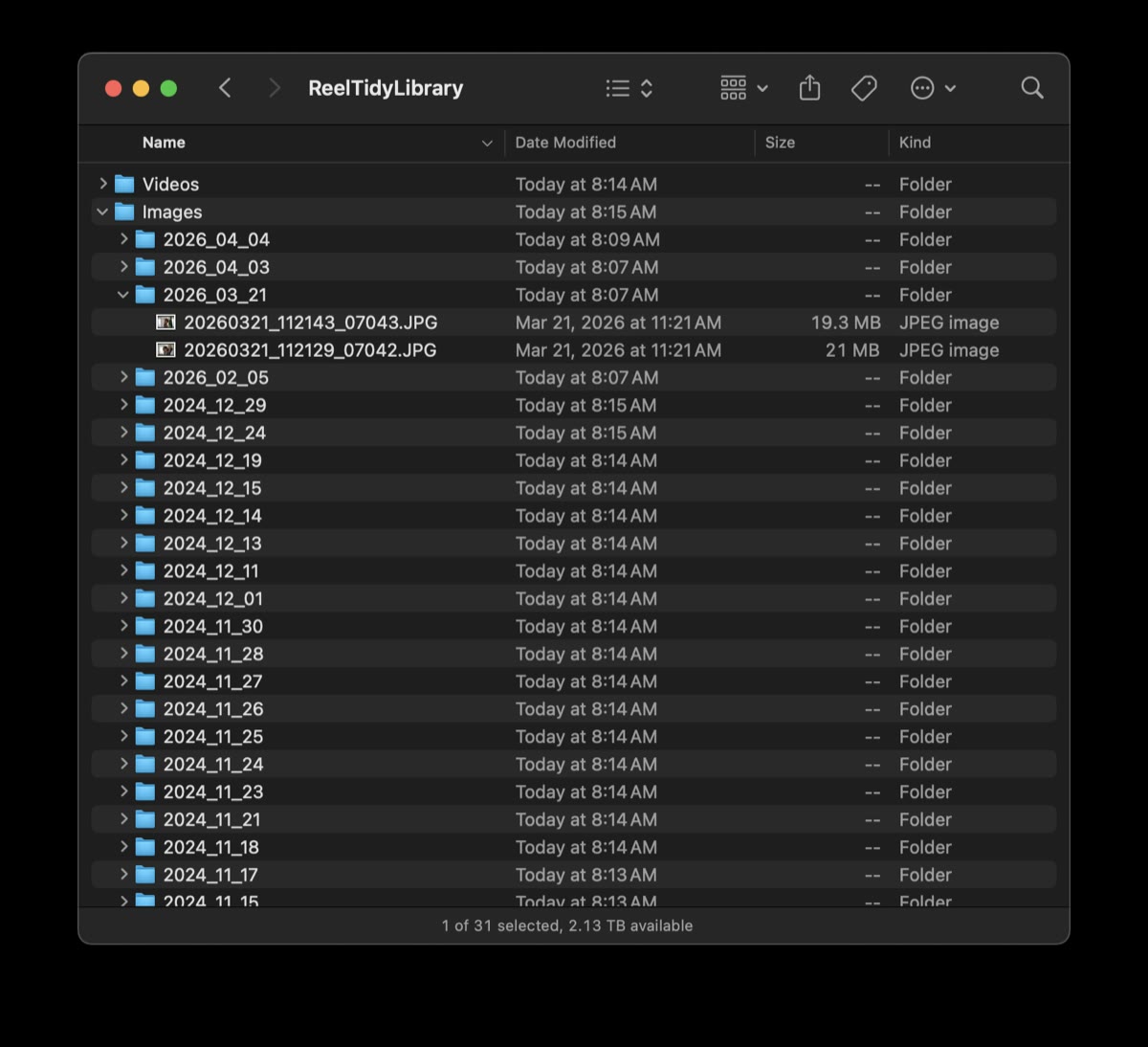
So Reel Tidy does one thing. Everything lands in Library/<Images|Raw|Videos>/YYYY_MM_DD/, renamed the way a newsroom does it: DSCF0001.JPG shot at 15:30:45 becomes 20260131_153045_0001.JPG. The camera’s original digit run is kept verbatim, so the number on the back of the camera is still the number you search for.
Photos.app orders a shoot by capture time, and capture time only goes down to the second. Shoot at sub-second intervals — the entire point when you are waiting on one frame out of a turn — and a dozen photos arrive stamped with the same second, so they come back in whatever order the importer happened to read them. The ride gets reassembled wrong: spray before the bottom turn, the kickout somewhere in the middle.
The camera already knows the answer. Its own frame counter goes up with every shot, and Reel Tidy keeps that run on the end of the name, so when two photos share a second the original order breaks the tie.
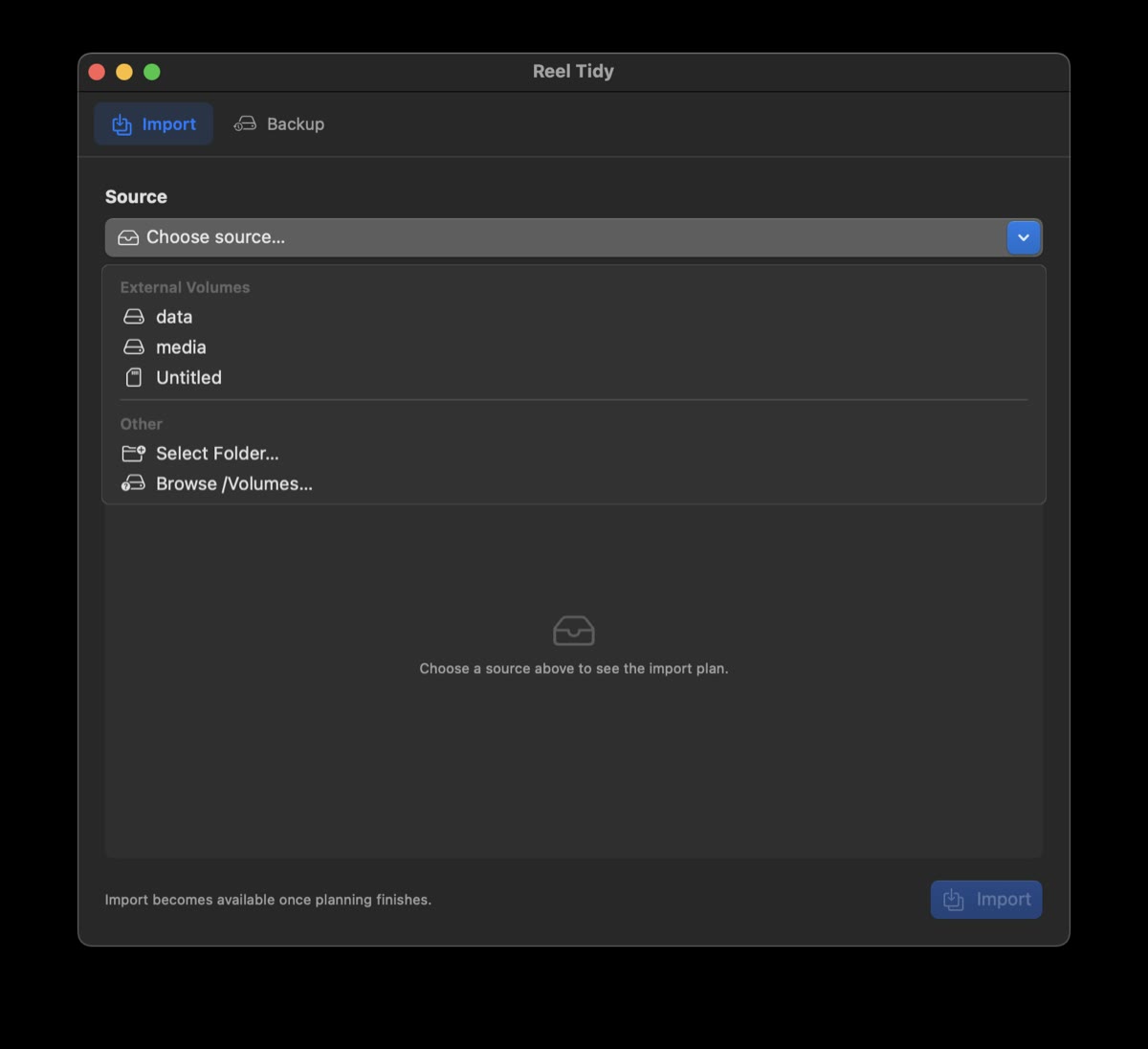
Point it at any mounted card, drive or folder. Day folders use the camera’s own clock, read from EXIF, so a photo shot at 23:30 in Tokyo lands in the right day no matter where it was imported.
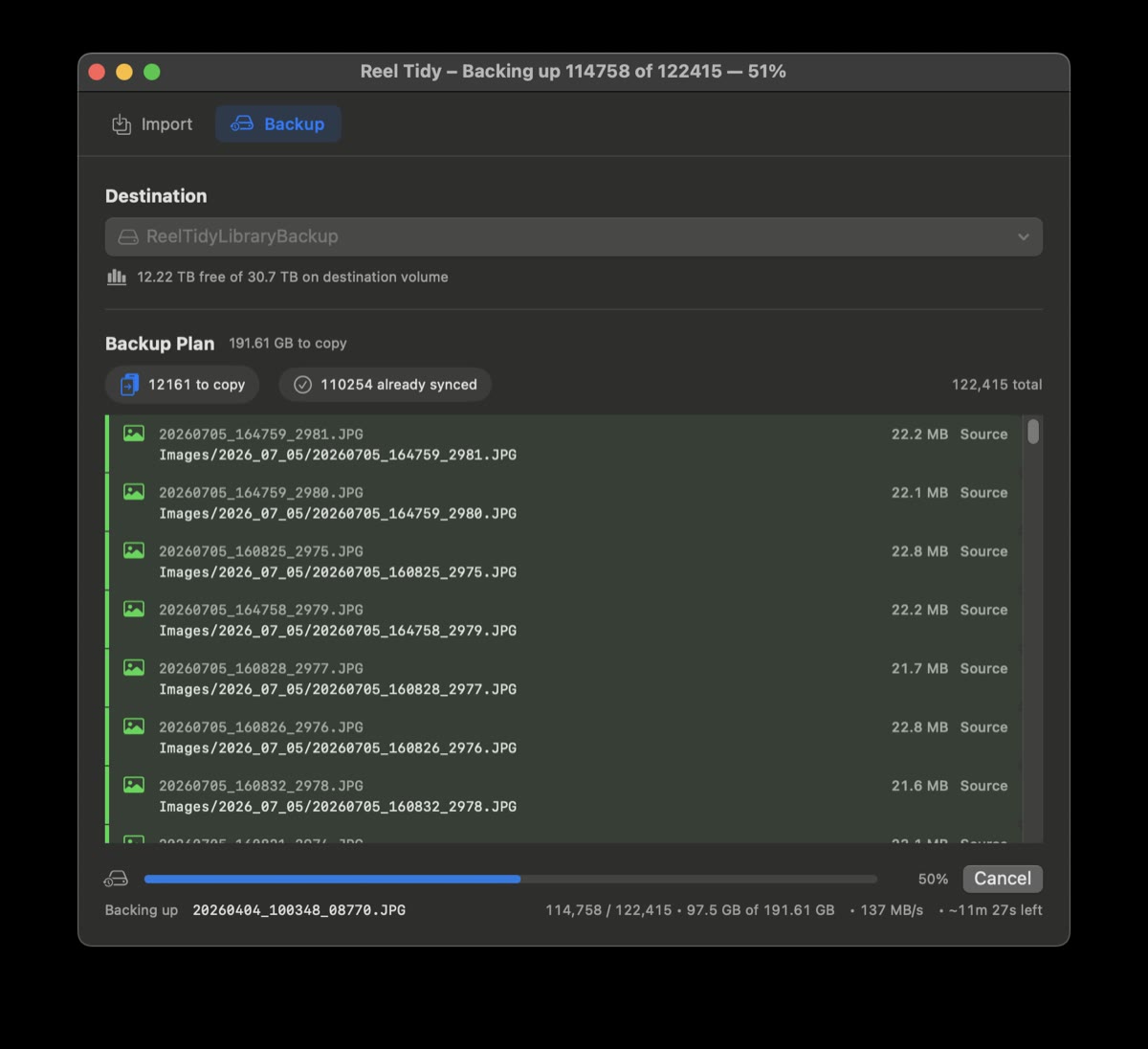
Compression runs alongside the copy into a parallel Library/Compressed/ tree — that is where the web-sized versions of the surf pictures on this site come from. A Backup tab mirrors the whole library to a second drive, copying only what’s missing or changed.