My Pod
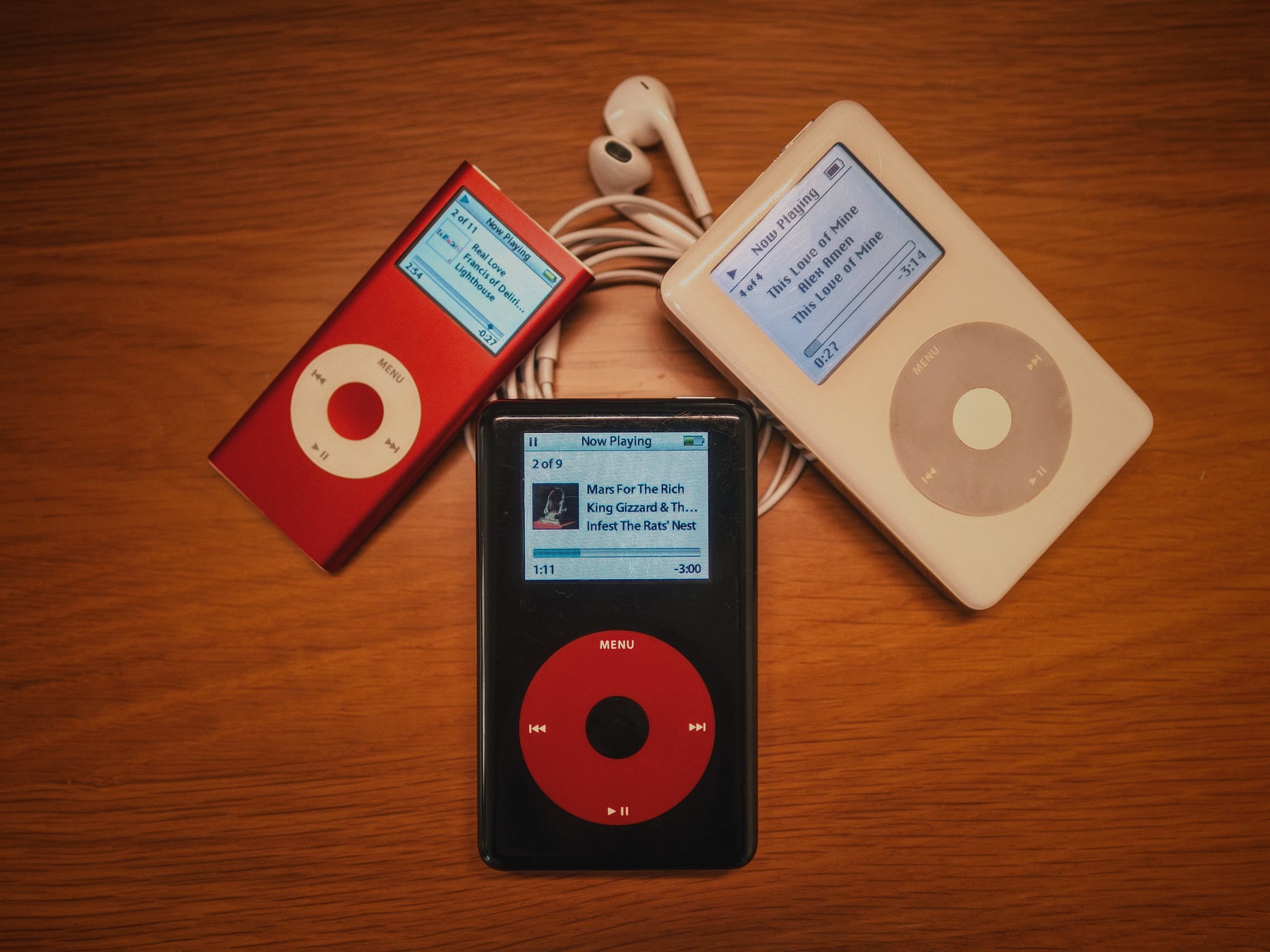
I got back into collecting music, and then kept running into videos of people reviving their old iPods. I found mine and my brother’s, replaced the batteries and swapped the drives for storage that isn’t twenty years old, and expected the hard part to be over.
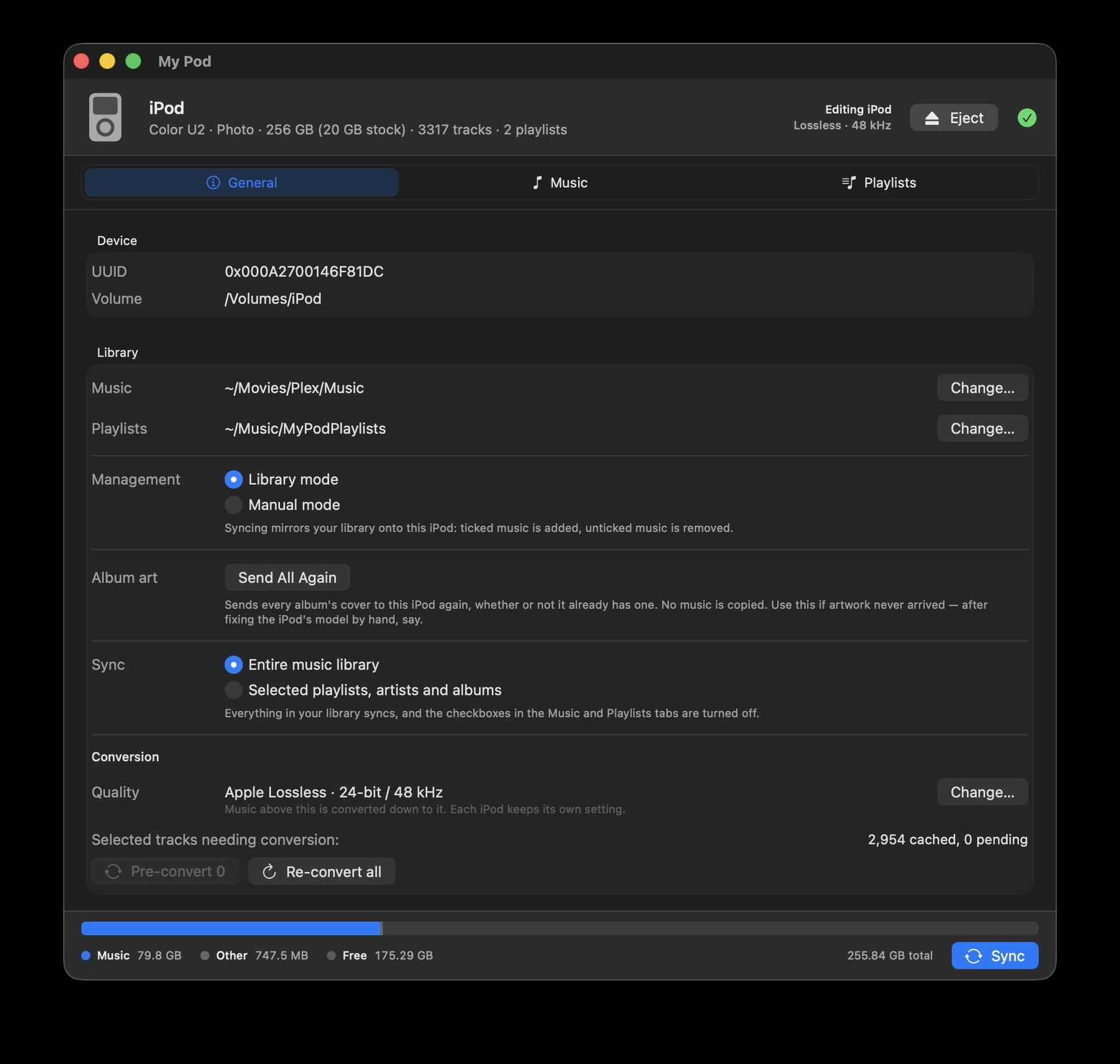
It wasn’t. Getting a library of FLAC onto a click-wheel iPod turned out to be far more work than it should be. So I built My Pod: a modern SwiftUI front end on libgpod, doing the sync the familiar way.
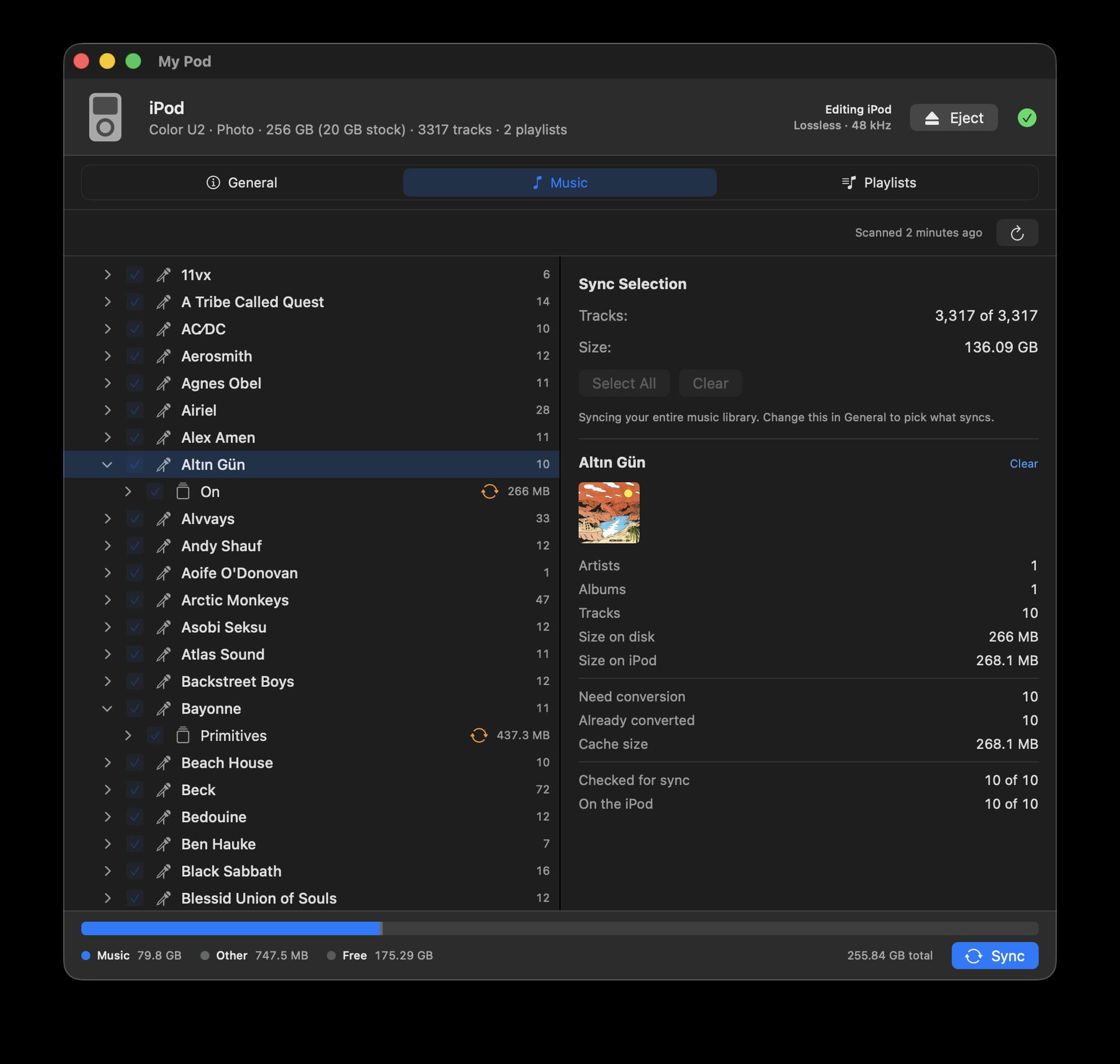
Point it at a folder of music and it mirrors what you check onto the device. Each iPod remembers its own settings and its own selection, so a modded classic with a 256 GB card can carry a lossless library while an 8 GB nano gets as much AAC as fits.
Formats a click-wheel iPod can’t play — FLAC, OGG, Opus, WMA, APE — are converted and cached, so a given file is only ever encoded once.
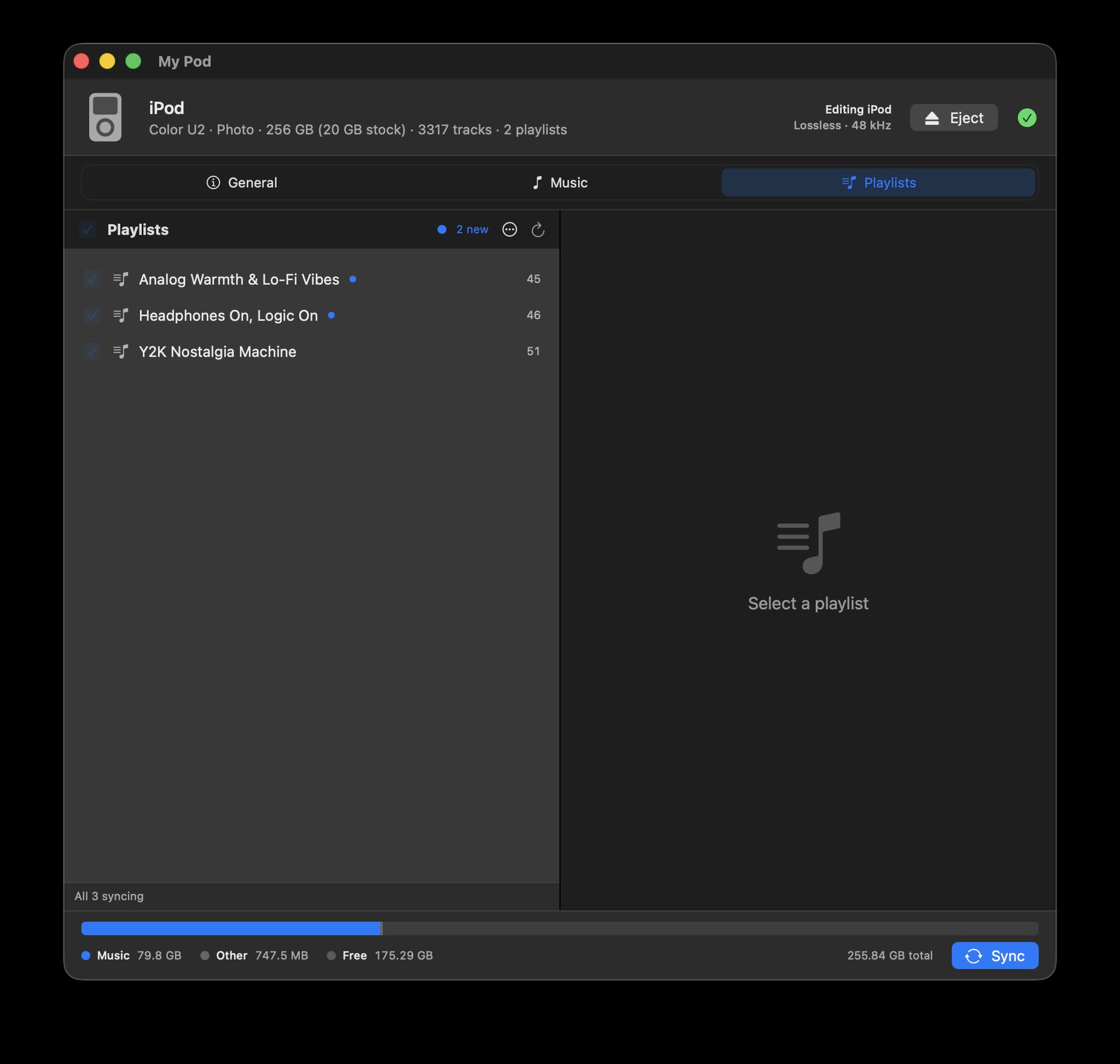
Playlists are read from a folder of plain .m3u files, which is how the ones on this screen got here: MixTape generated them from the same library and wrote them out.
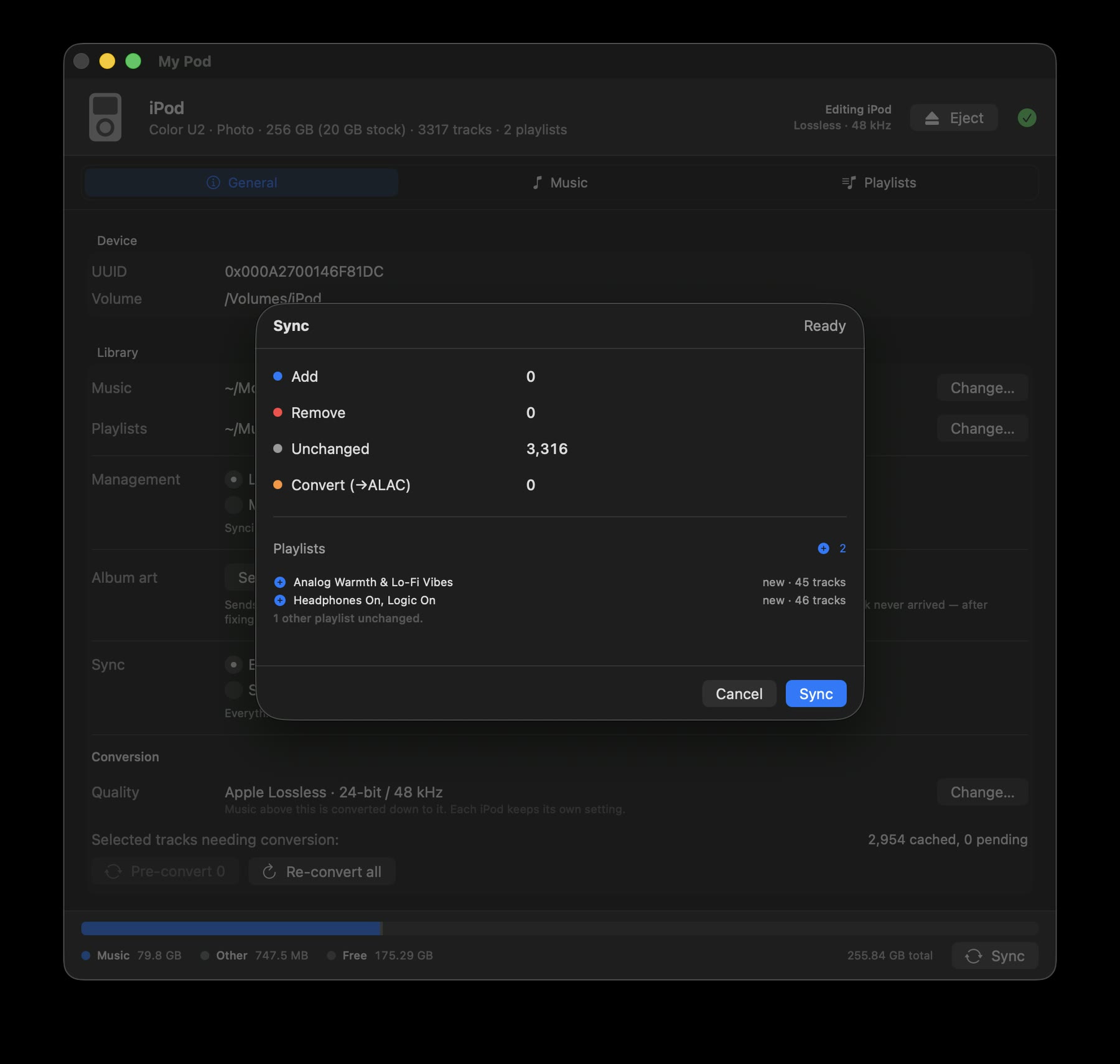
Nothing is written until you confirm. The plan says exactly what will be added, removed, left alone and transcoded before it runs.
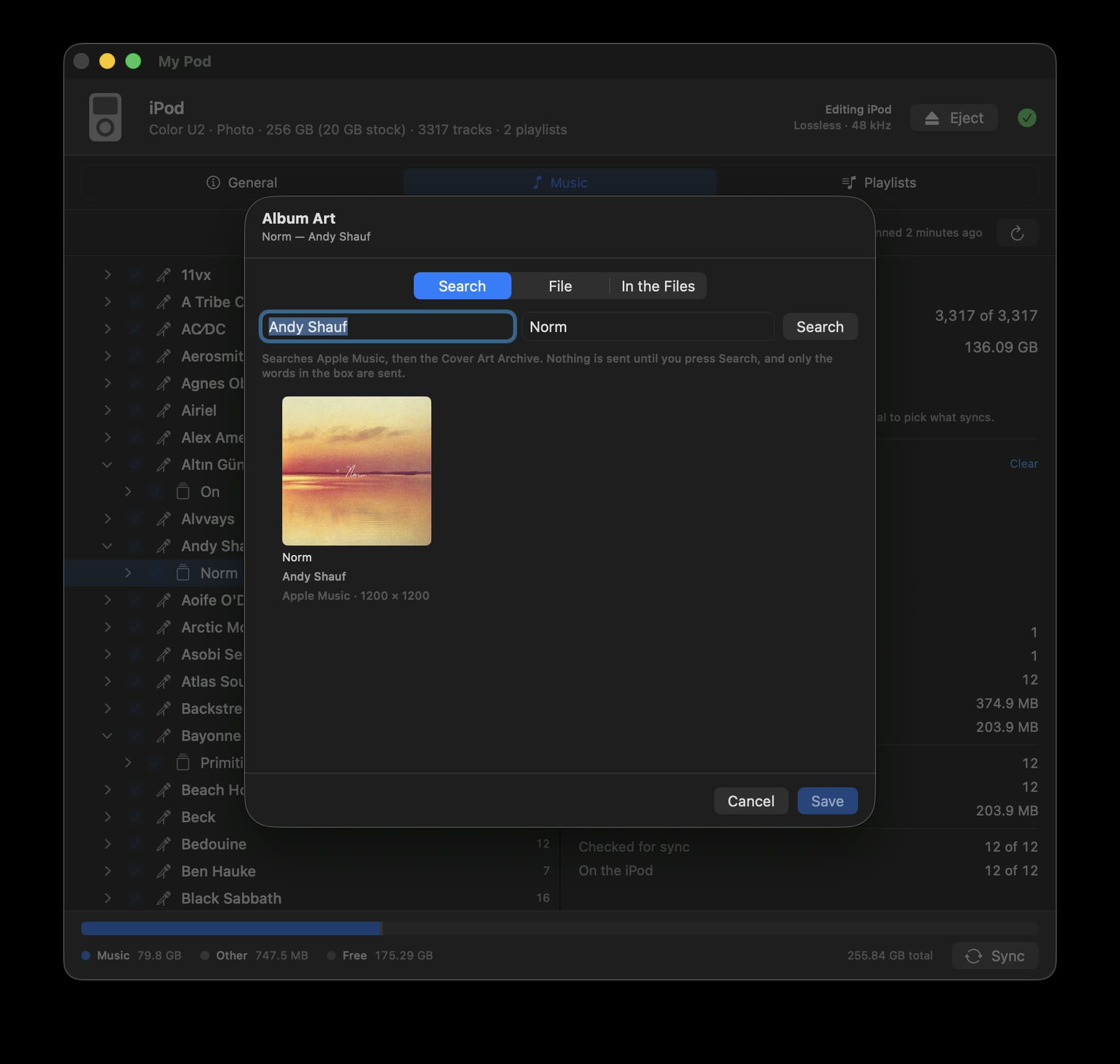
Cover art took the longest to get right. An iPod restored by Finder arrives without the small file that records which model it is, and libgpod then writes no album art at all — silently, while reporting success. My Pod says so, and can write that file back.